
Connecting Amazon Seller Account

Mane Ankit
Last Update vor 2 Monaten
Connecting Amazon Seller Account is a 2-step easy process
Step 1: Get your Seller ID (also called Merchant Token
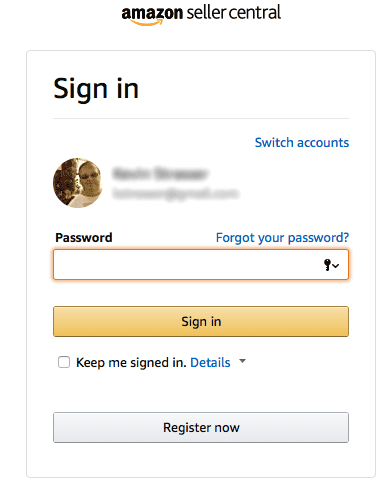
Log in to your Amazon seller central account - https://sellercentral.amazon.com/
Go to the Settings > Account Info page.
Click on the Merchant Token Link under Business Information box.

Copy your Merchant Token

Step 2 (Authorize the app)
- Go to the Amazon settings page in the Connectr app.
- Select your region
- Enter the Seller ID / Merchant Token you go in the step above
- Click Save and Connect

- Amazon authorization dialog box will open.
- Simply grant permissions and the account will be linked.
Repeat this for all the Amazon regional accounts that you want to connect.